
Wallet and status guide
ace365 payment: wallet, deposit and withdrawal status
Wallet, deposit, withdrawal and payment method are not the same thing. Read the request type, method label and current status separately on the screen, then choose account, mobile or payment support according to the visible state.
Wallet, Deposit and Withdrawal
Wallet Understanding the balance, request and transaction state inside the account. Deposit Request to send value from a specific source to the wallet. Withdrawal Request to send value from the wallet to a specified destination. The method label indicates which payment rail or asset name is on the screen; the status indicates what stage the request is currently in.
The same method may show different rules or states in deposit and withdrawal. Therefore, just seeing the name “bKash” or “USDT” does not indicate the type of problem; the request direction and status must also be read.
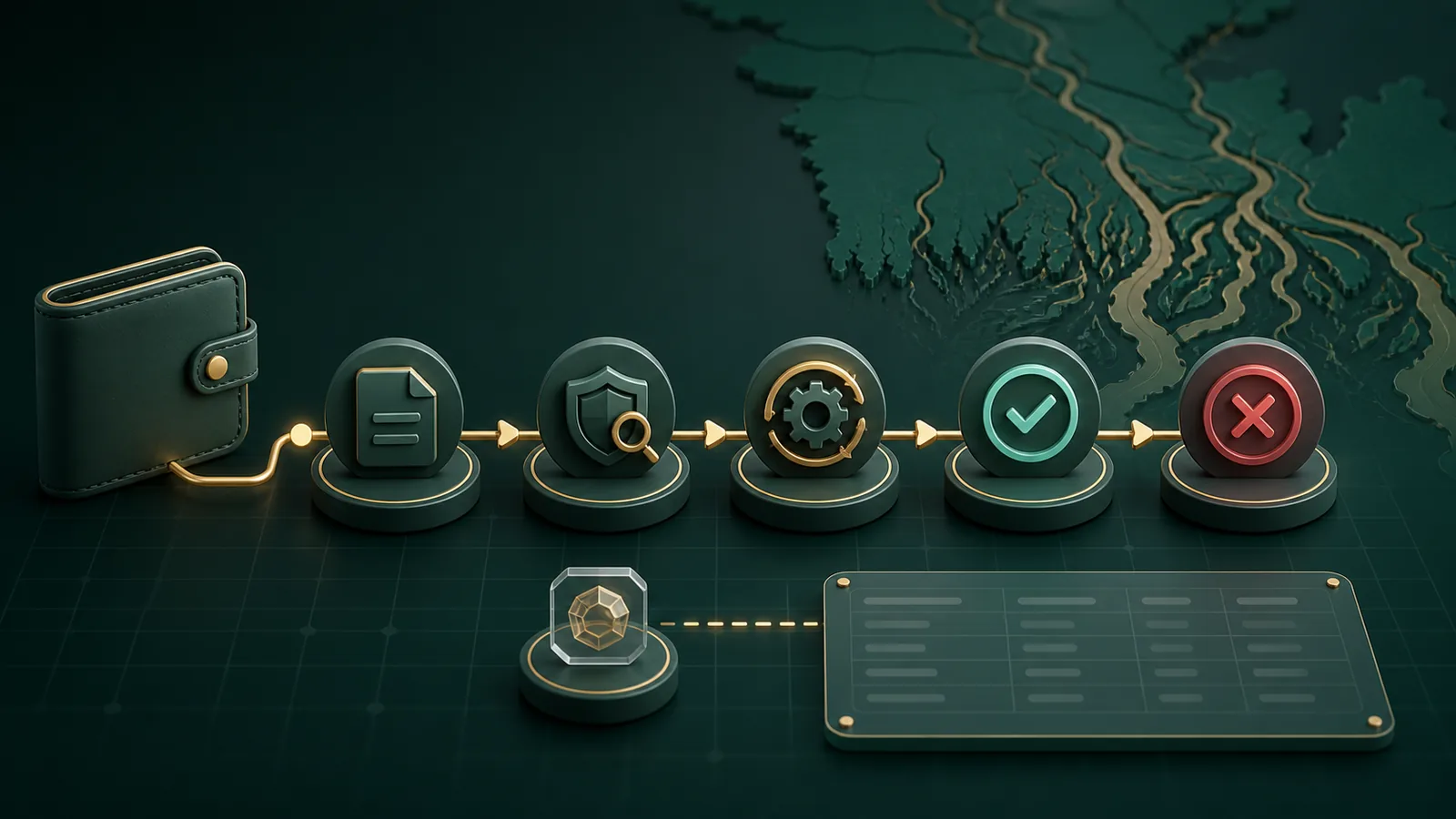
What the payment label indicates
Some public pages related to ace365 have shown bKash, Nagad, Rocket and USDT as payment labels. These are terms to identify method/asset; they do not guarantee that they are active in the current account, that a specific amount will be taken, or that the same flow will be followed.
When you see a label on the screen, read three things together: whether it is a deposit or withdrawal, what currency/asset it is, and what status is shown before/after creating the request. ৳ or BDT local currency label; USDT digital asset label—do not assume the formatting of the two is the same.
Meaning of payment status
| Status | General meaning | What to see now | Next steps |
|---|---|---|---|
| Draft/Started | Request creation has started, not the final state | method, destination and form message | Fix any incomplete fields on the current screen |
| Pending | Request has been received, outcome pending | request reference and current status | Monitor the state without creating a new duplicate request |
| Processing | Step in the middle of the request workflow | Whether the status has changed and visible message | Use the detail page of the same request |
| Complete/Successful | Showing workflow completion state | Match the wallet/transaction view | Match visible records according to request type |
| Failed/Rejected | Request has not been completed | reason/message and which field/method is involved | Take Payment Help branch according to the message |
| Cancelled | Request is no longer in active workflow | Who/from which state was cancelled | Read the current wallet state before the new action |
Next steps according to status
- Identify the request: See whether it is deposit or withdrawal, method and reference together.
- Read the Status: Understand the label as workflow state without assuming a time promise.
- Visible message match: field error, verification, processing or outcome—what level?
- Wallet view see: check if request record and balance/transaction state are showing the same context.
- Select the correct branch: account identity, mobile loading or payment status—choose one primary cause.
If a new request is created as soon as Pending feels long or status does not change, two records may be created. Fix the issue category holding the same request detail on the Current page.
Account, Mobile or Payment issue
| What is visible | Issue branch | Where will you go |
|---|---|---|
| Login/identity mismatch | Account | Login and Recovery |
| Page blank, list partial, button unresponsive | Mobile/connection | Mobile Web |
| Request status, method or wallet record question | Payment | Status guide for this page |
| Symptoms of two branches together | Help decision | Choose the type of payment issue |
Payment FAQ
Is Wallet and deposit the same?
No. Wallet account's balance/record context; deposit is a request towards the wallet.
Does Pending mean failure?
No. Pending is generally a state with outcome remaining; see visible message and the same request record.
What to match when showing Complete?
Match the visible state of wallet or transaction record according to request type.
Can bKash/Nagad/Rocket/USDT names be used now?
The names are labels seen on the public related page; to understand current availability, read the method state of the current screen.
Payment issue if the page does not load?
Certainly not. If other content does not come either Connection Branch Check first.
If you understand the status but do not decide?
Payment Help Select account, mobile or payment branch according to the symptoms.